
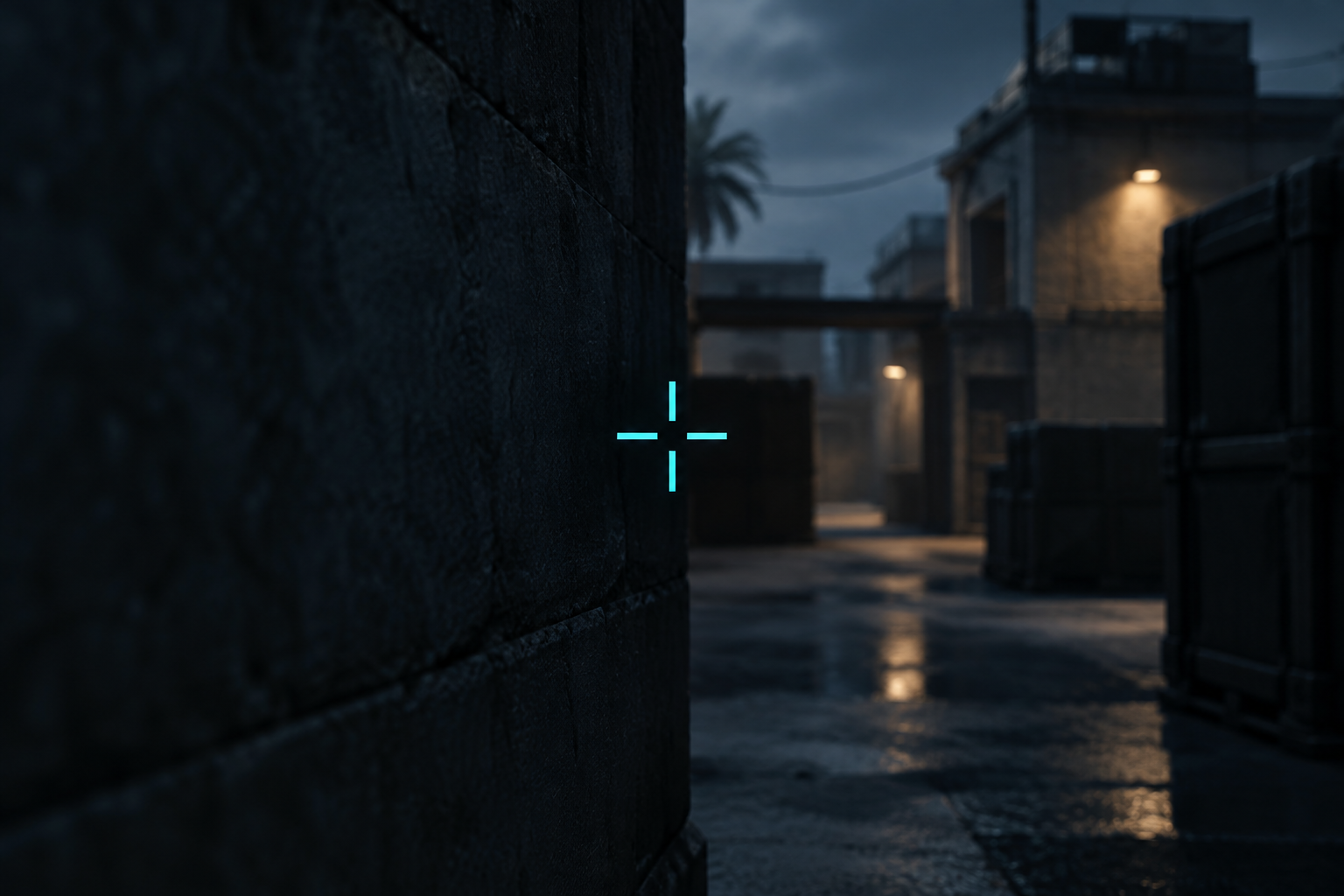
The best Valorant crosshair is small, high-contrast and static: a short cross or a dot in a color that never blends into the map. You set it in Settings > Crosshair, or paste a code to copy one in seconds. This guide covers both methods, explains what each setting changes, and shows how to copy pro crosshairs without getting a stale one.
What makes a good Valorant crosshair
Most good crosshairs share three traits.
- They stay still. Movement and firing error lines expand when you move or shoot. Most players turn them off so the crosshair never jumps.
- They contrast with the map. Cyan, pink and fluorescent yellow-green rarely match Valorant’s walls or agent outfits. Red can blend into some abilities and backgrounds.
- They leave the head visible. A small gap between the lines lets you see the enemy’s head behind the crosshair instead of covering it.
The two most common shapes are the small dot and the tight cross. Neither one is objectively better. A dot makes aim feel precise. A cross shows the center faster when fights get hectic.
How to import Valorant crosshair codes
Every crosshair in Valorant can be saved as a text code. That makes sharing simple. A pro posts a code, a database lists it, and you paste it into your game.
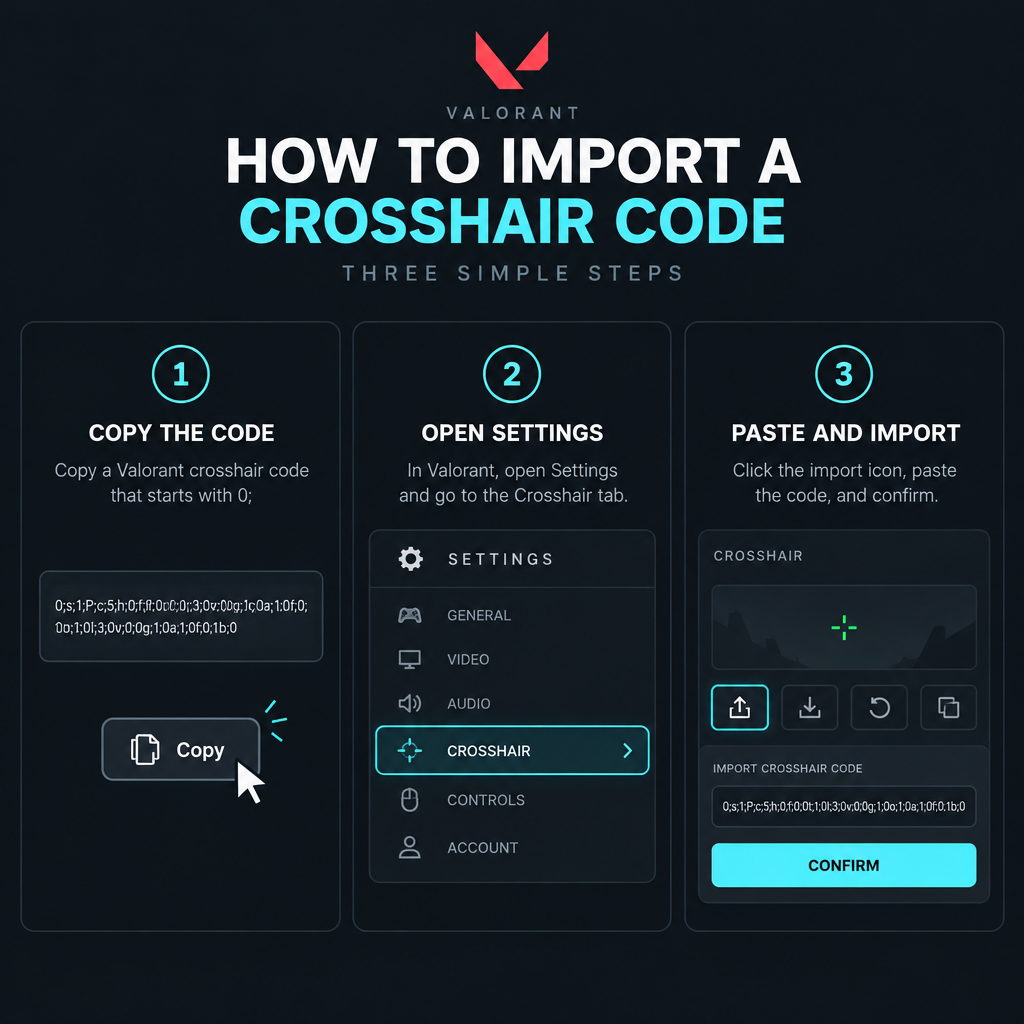
Quick steps: import a crosshair code
- Copy the code. It starts with “0;”.
- Open Settings, then the Crosshair tab.
- Click the import icon beside the profile dropdown.
- Paste the code and confirm.
- Rename the profile so you can find it later.
To share your own, use the export icon in the same spot. It copies your current profile’s code to your clipboard.
Shotcaller's note
Keep at least two saved profiles: your main crosshair and one test copy. Change one value at a time on the copy and play a Range session before you overwrite your main.
The settings that matter
When you build from scratch, these are the values worth caring about.
| Setting | What it does | Common choice |
|---|---|---|
| Crosshair color | Main color, or a custom hex code | Cyan, pink or yellow-green |
| Outlines | Dark border around the lines | On, low opacity |
| Center dot | Single pixel group in the middle | On for dot styles only |
| Inner lines | The four main arms | On, short and thin |
| Inner line offset | Gap from the center | Small enough to frame a head |
| Outer lines | Second set of arms | Usually off |
| Movement error | Lines spread when you move | Off |
| Firing error | Lines spread when you shoot | Off |
Outlines help a light crosshair show up against bright skies and pale walls. If your crosshair looks thick or blurry, lower the outline opacity before shrinking the lines.
ADS and sniper scope tabs
The ADS tab controls your crosshair when you aim down sights with guns like the Vandal’s zoom. You can copy your primary crosshair there or build a separate one. The Sniper Scope tab changes the center dot color and size inside Operator and Marshal scopes.
Leave firing error on while learning
There’s one case for keeping firing error on. Newer players can use it to see how spray accuracy drops during long bursts. Once you know your spray pattern, turn it off.
Copying pro crosshairs from TenZ, Aspas and others
Pro codes are some of the most searched Valorant crosshairs. Players like TenZ, Aspas, Sacy, Demon1, Zekken, Marteen and benjyfishy all have codes shared across the community. Crosshair databases such as VCRDB let you browse them with a preview image, sort by player or style, and use a builder to tweak a code before you copy it.
Heads up
Pros change their crosshairs often. A code from an old post or video may be out of date. Check the date on any listing and prefer the player’s own recent posts.
Treat a pro crosshair as a starting point, not a final answer. Pros play at specific resolutions and monitor sizes. A crosshair that looks sharp on their setup can look tiny or chunky on yours.
Novelty crosshairs: fun, not for ranked
Galleries also host novelty designs like star shapes, a black star, cross eyes, an Ace cross or a VCT logo. These are built by stacking line lengths and offsets in creative ways. They’re fun for unrated or the Range. In ranked, they usually block too much of the target or draw your eye away from the center.
Test before you queue
Load into the Range and check your crosshair against several backgrounds. Shoot the bots at long range and look at whether the crosshair hides their heads. Then play a few Deathmatches before taking it into ranked. Give a new crosshair a few sessions before judging it, since your aim will feel off at first with any change.
FAQ
What is the best Valorant crosshair?
There’s no single best one. A small, static cross or dot in a high-contrast color, with movement and firing error off, works for most players.
How do I use a Valorant crosshair code?
Copy the code, open Settings > Crosshair, click the import icon next to the profile dropdown, paste it and confirm.
Are pro crosshair codes up to date?
Not always. Pros switch crosshairs regularly, so check the date on any shared code before you use it.
Should I use a dot or a cross?
Try both in the Range. Dots feel precise for headshot-focused aim. Crosses are easier to spot during fast movement and smoke-heavy rounds.